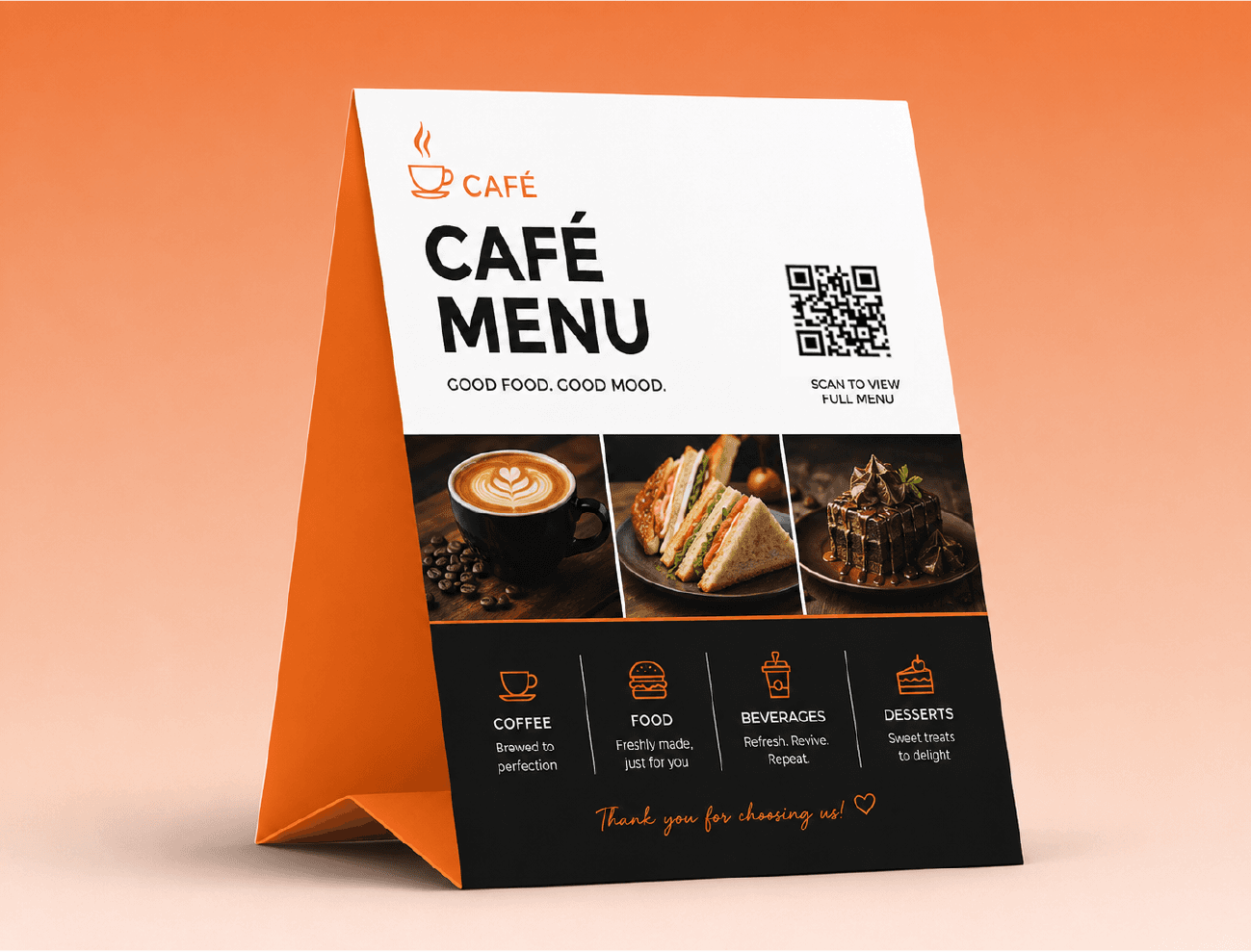
Restaurant Menus
Swap the menu, not the print
 ID·ZONEQR Code Generator
Link to any page. Needed to save or make it dynamic.
Your code appears here as you type.
Ad free QRNo watermarkPrint-ready SVGNever expires
Bake a link, text, Wi-Fi login or vCard straight into the pattern. No account, no expiry, no server in the loop.
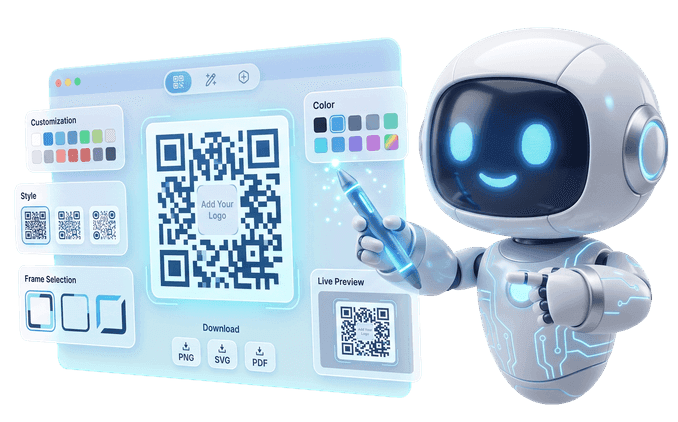
Print it once, then re-point it whenever plans change — and watch every scan land in your dashboard.

Type a prompt, choose a style, and the AI paints it right into a working code — pretty enough to frame, fast enough to scan.
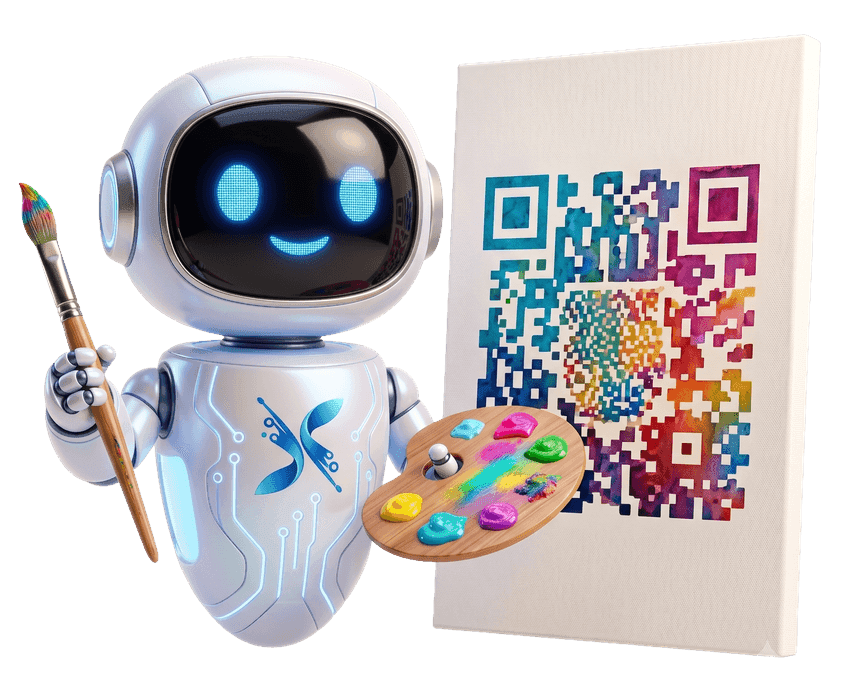
One code, printed once, works anywhere a customer can point a camera. Here are sixteen places it already pays for itself.
Swap the menu, not the print
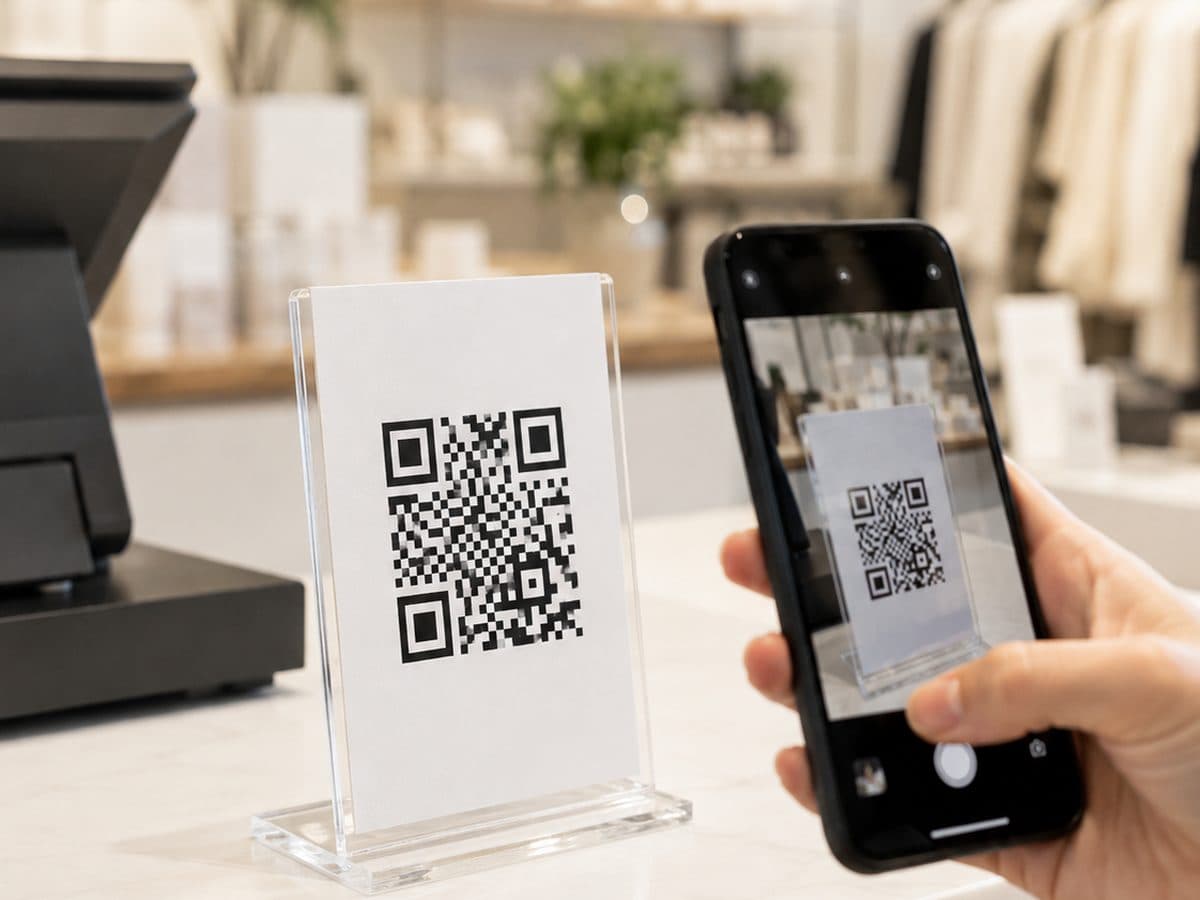
Take the payment without a terminal
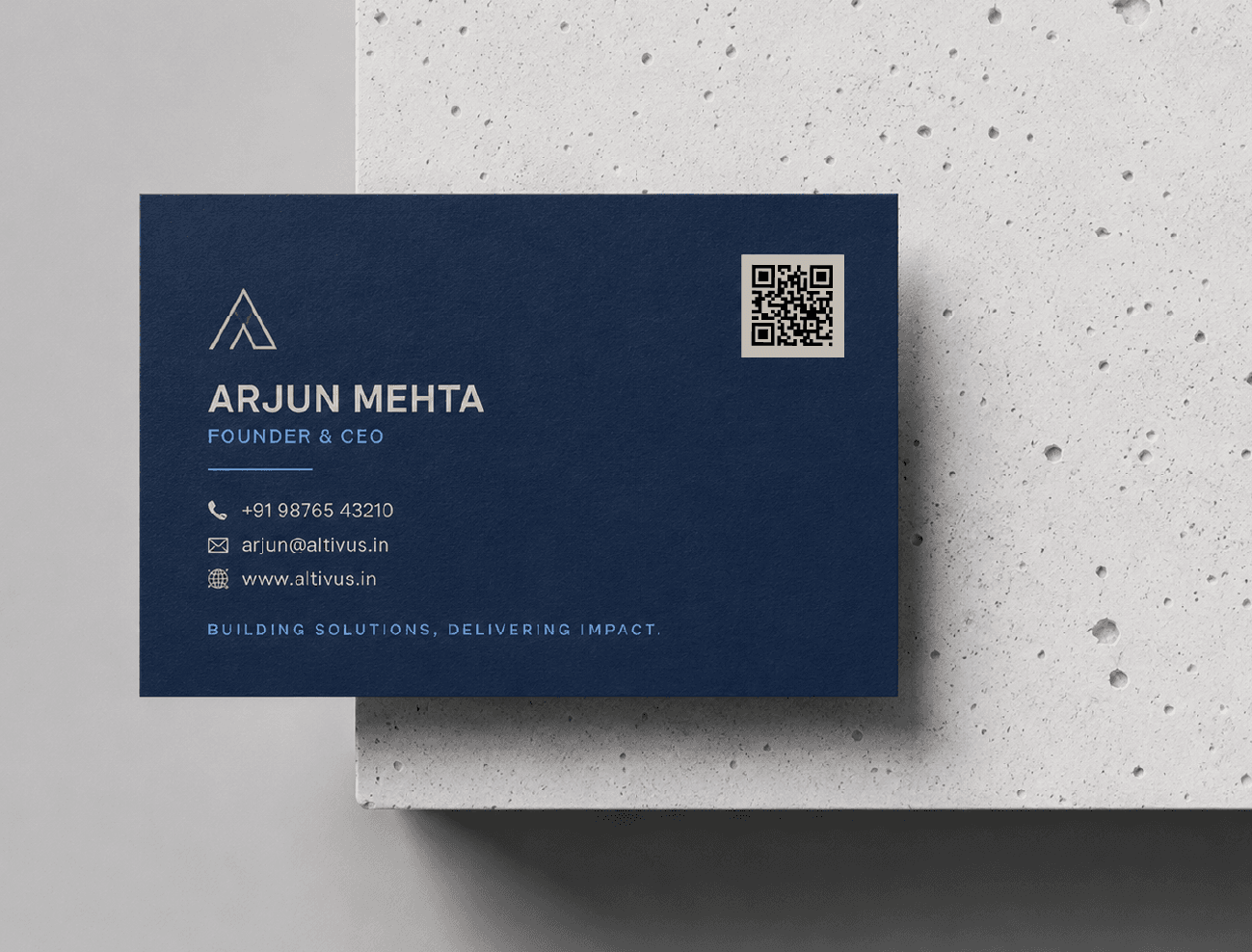
Saved to a phone in one scan
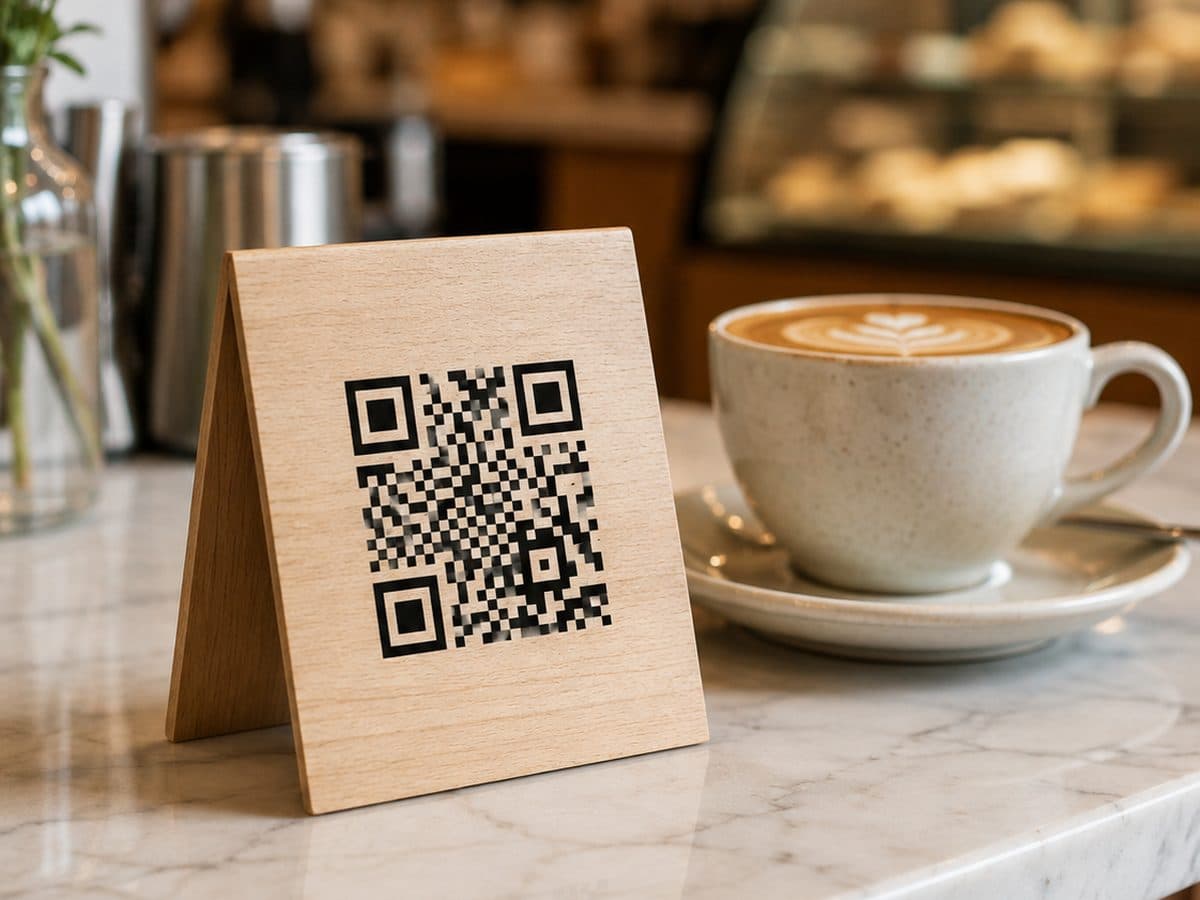
Nobody types the password again
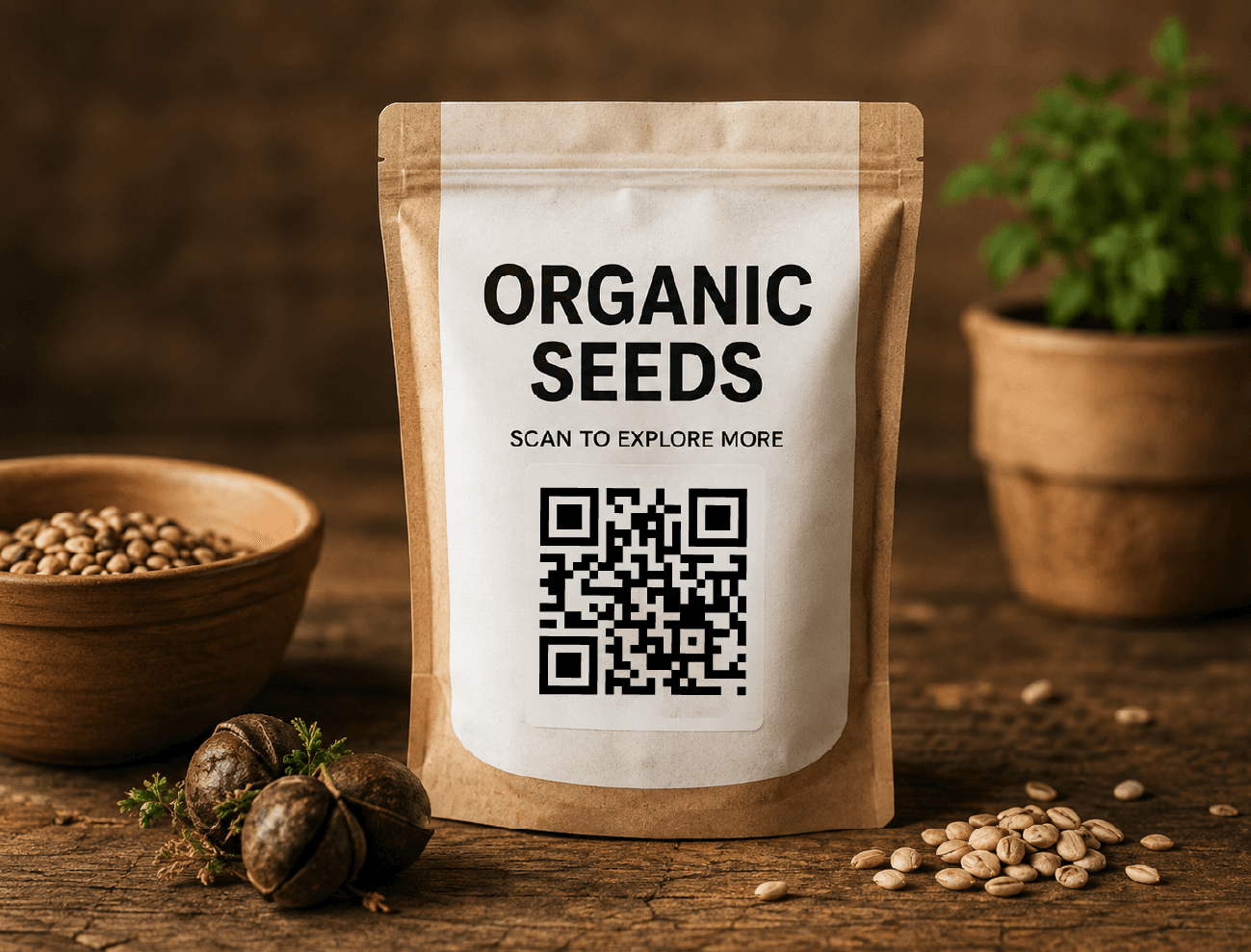
Turn the pack into a channel
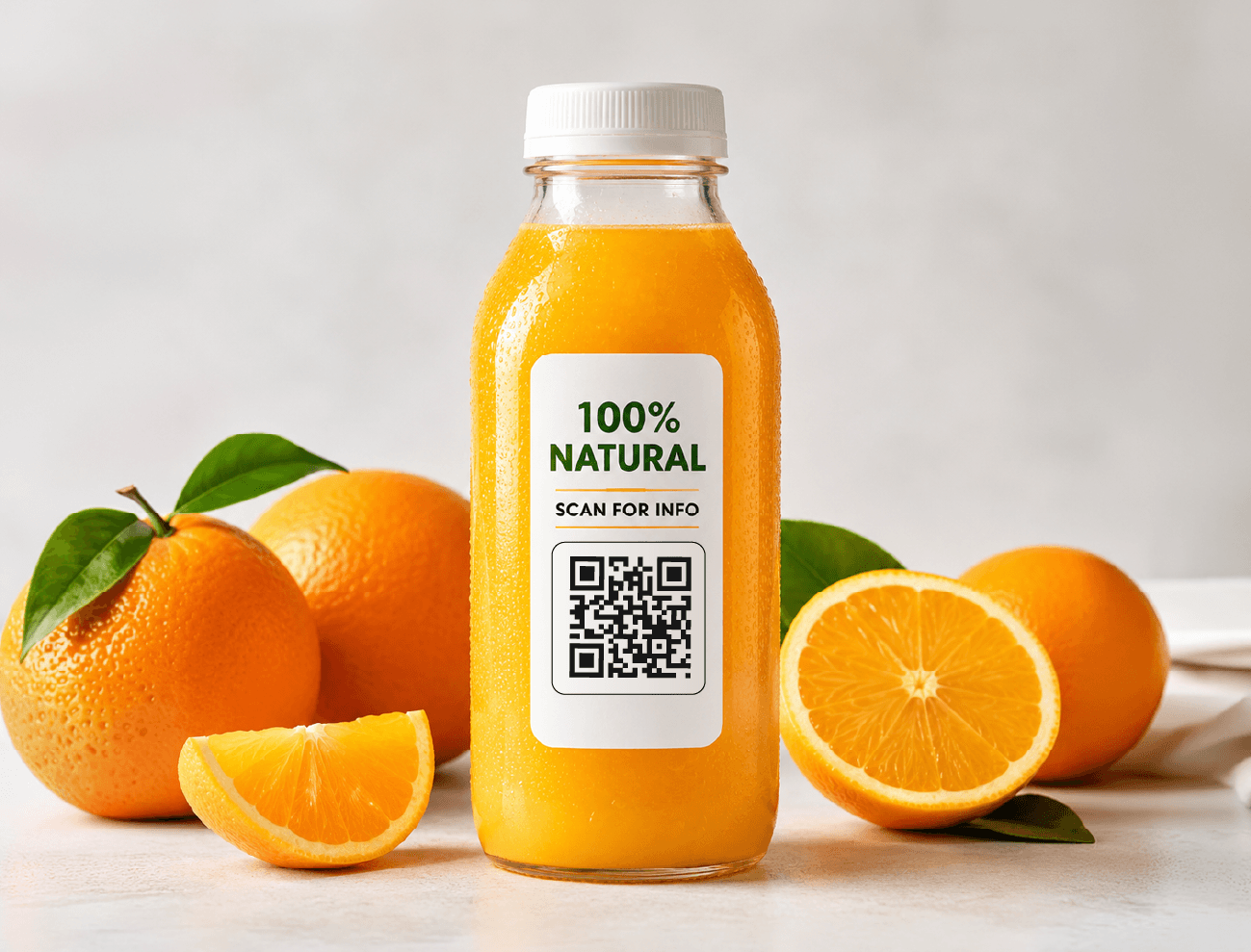
Ingredients and proof, on the bottle
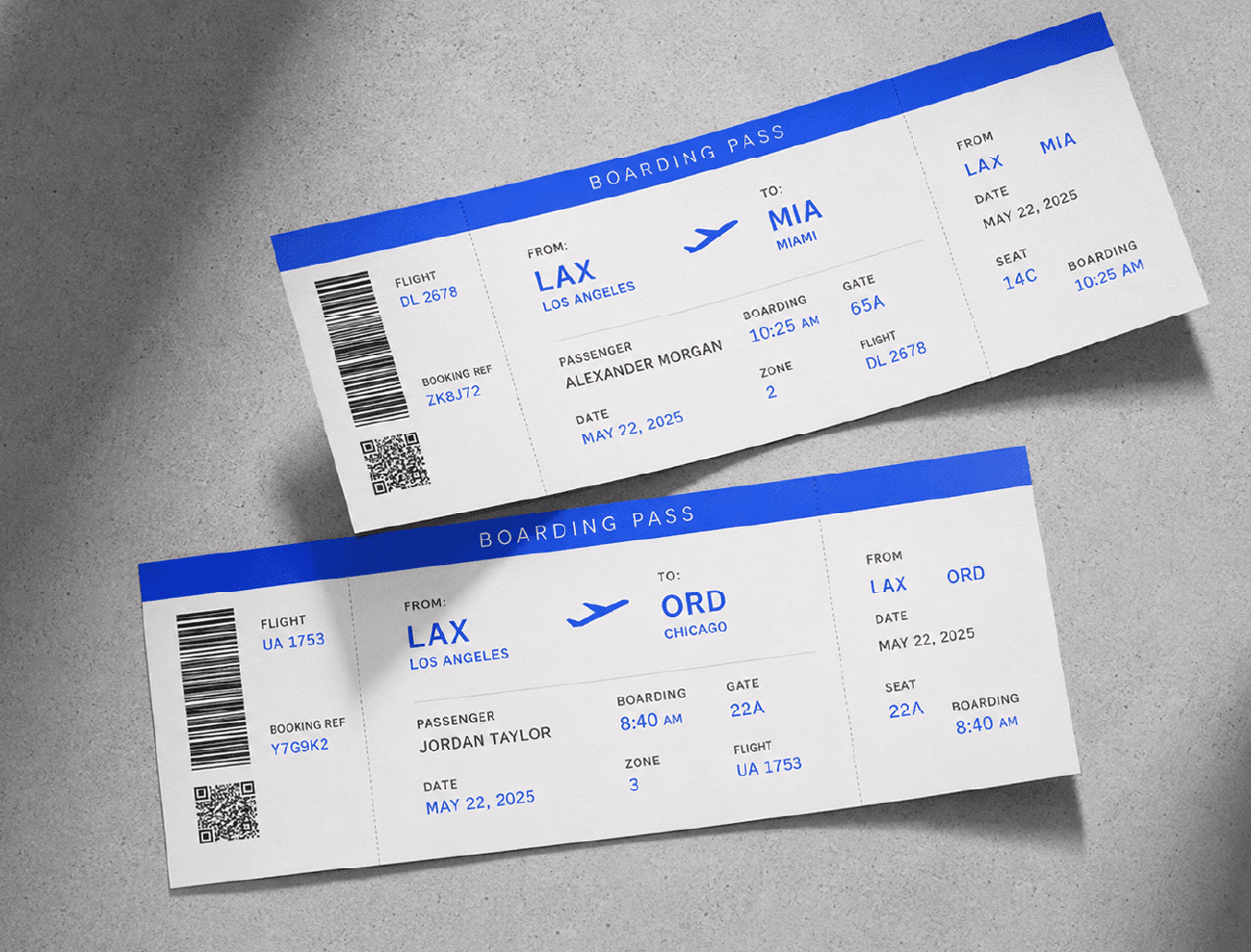
Move the queue faster
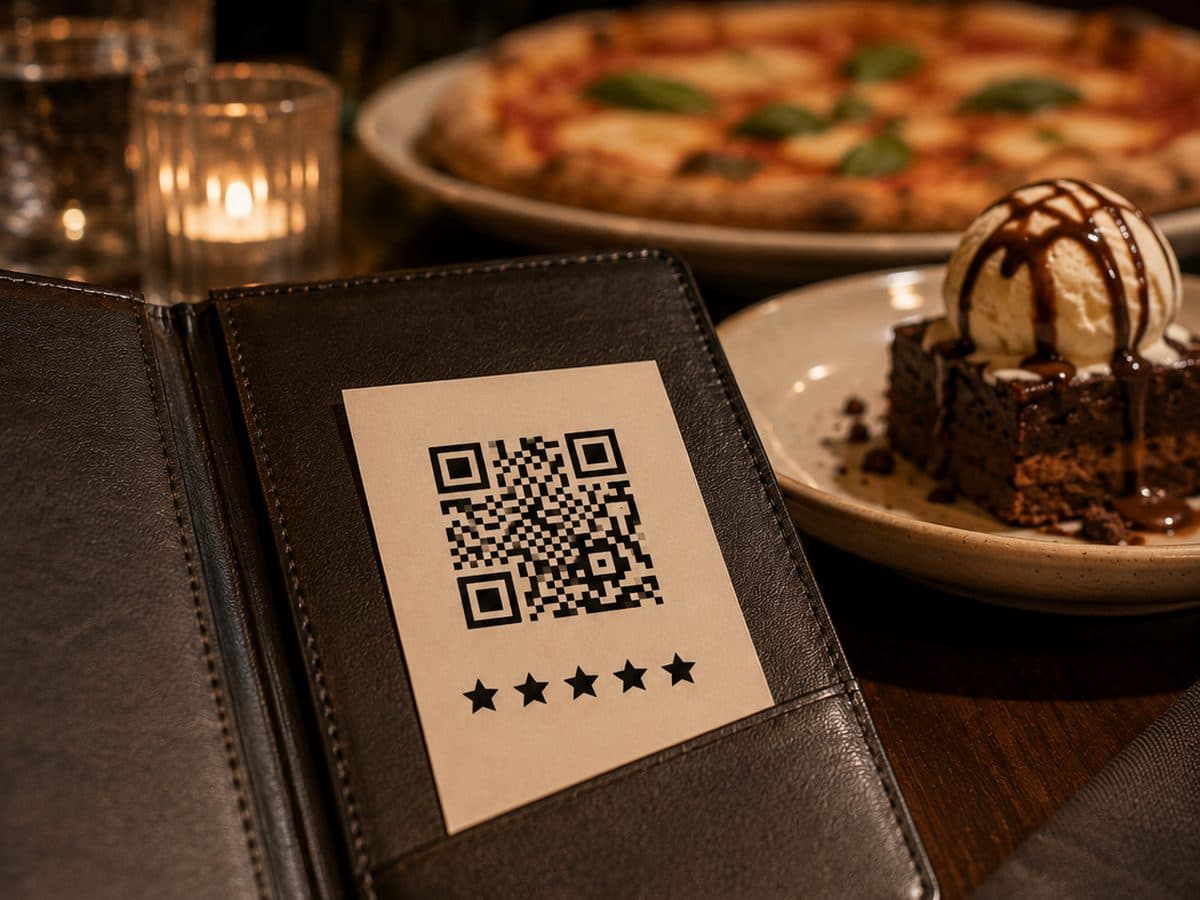
Ask while the meal is still on the table
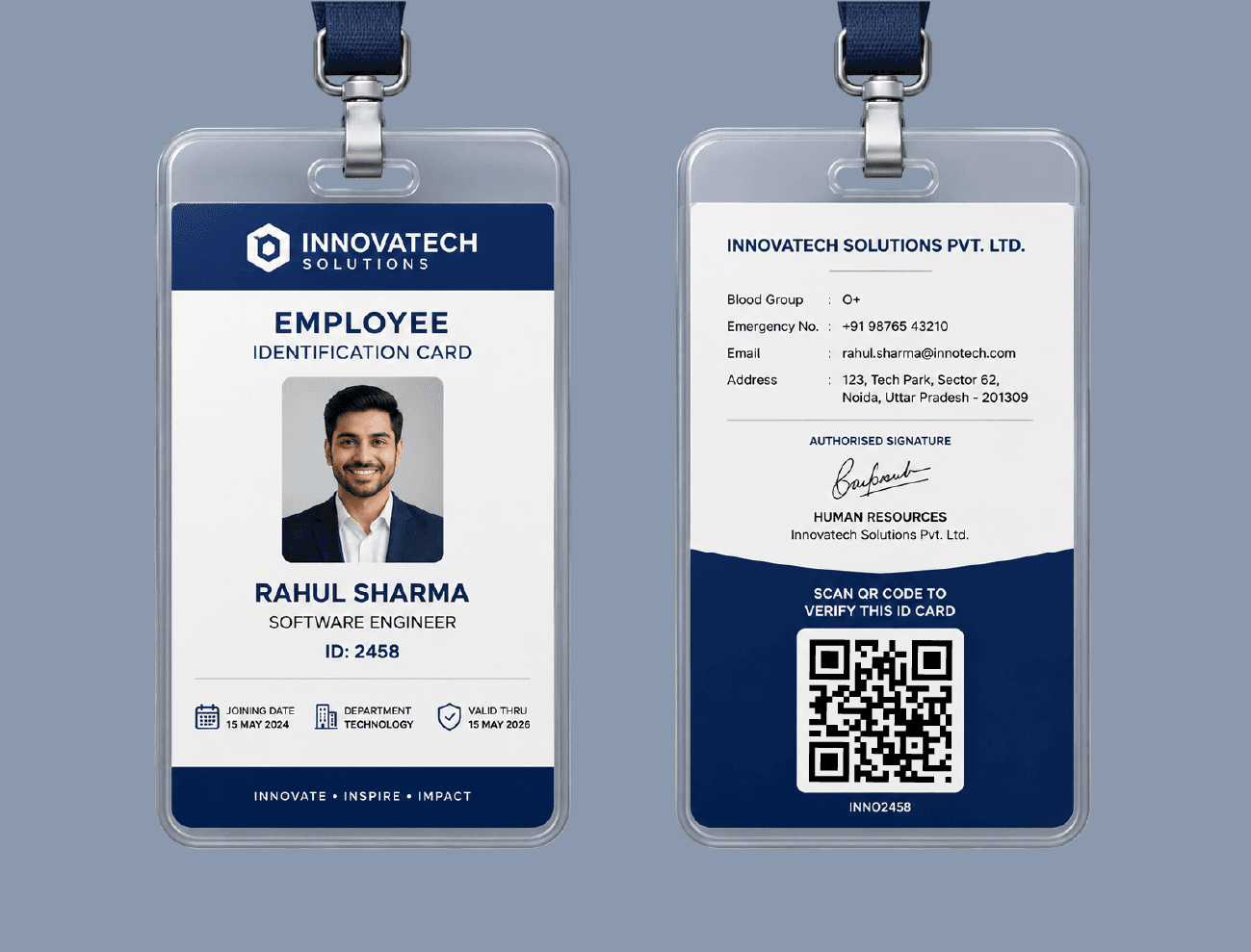
Verify a badge on the spot
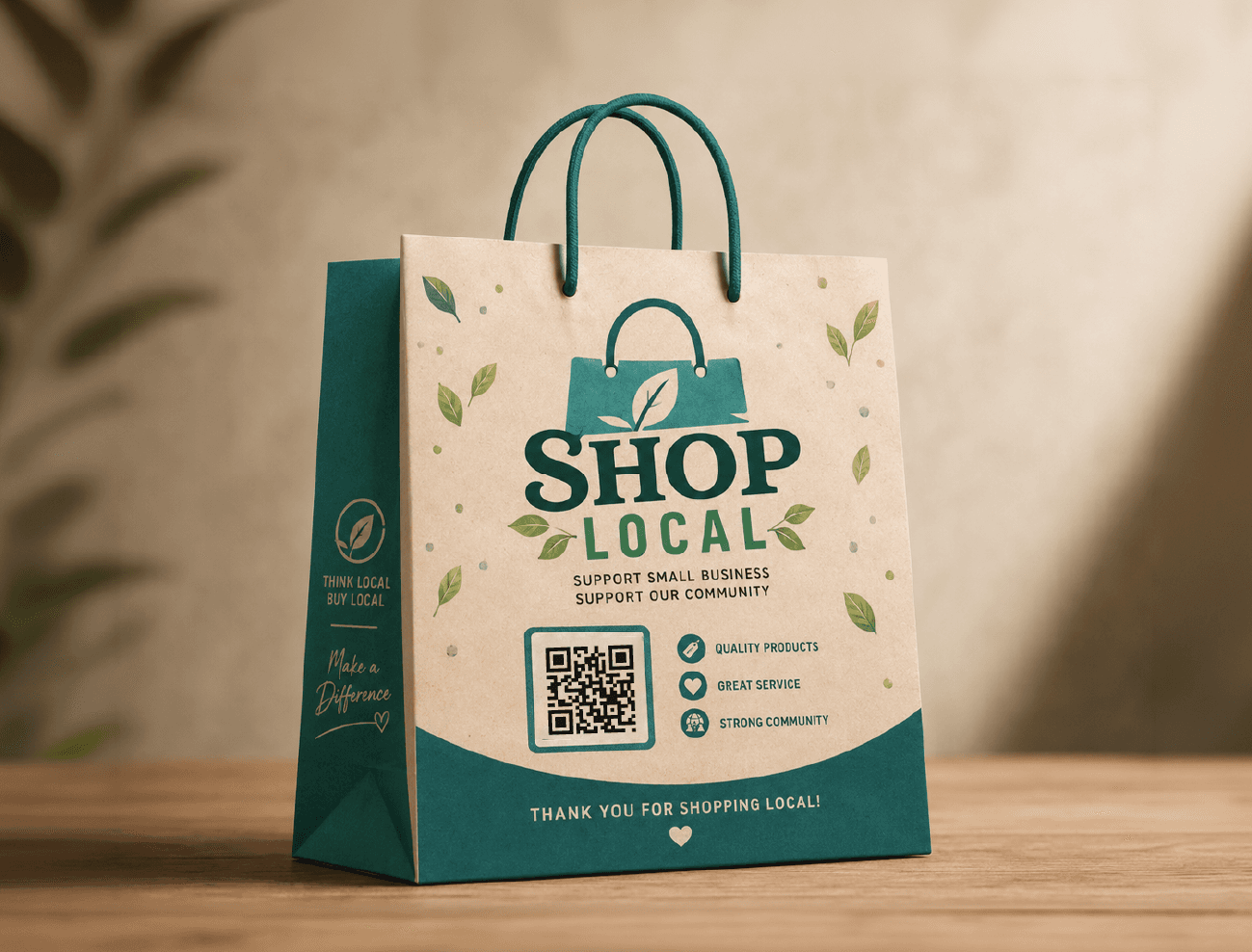
The bag keeps selling at home
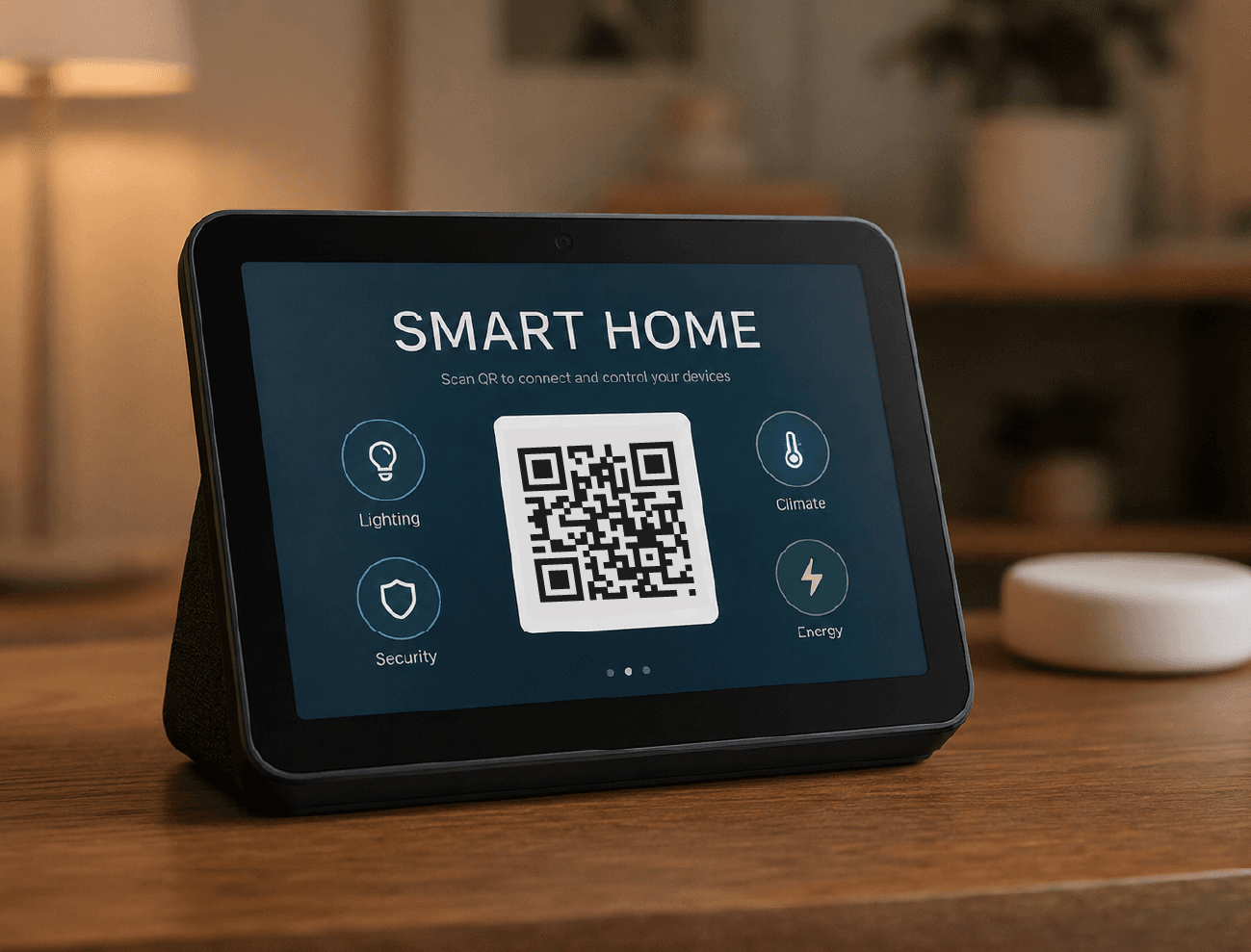
Pair a device without a manual
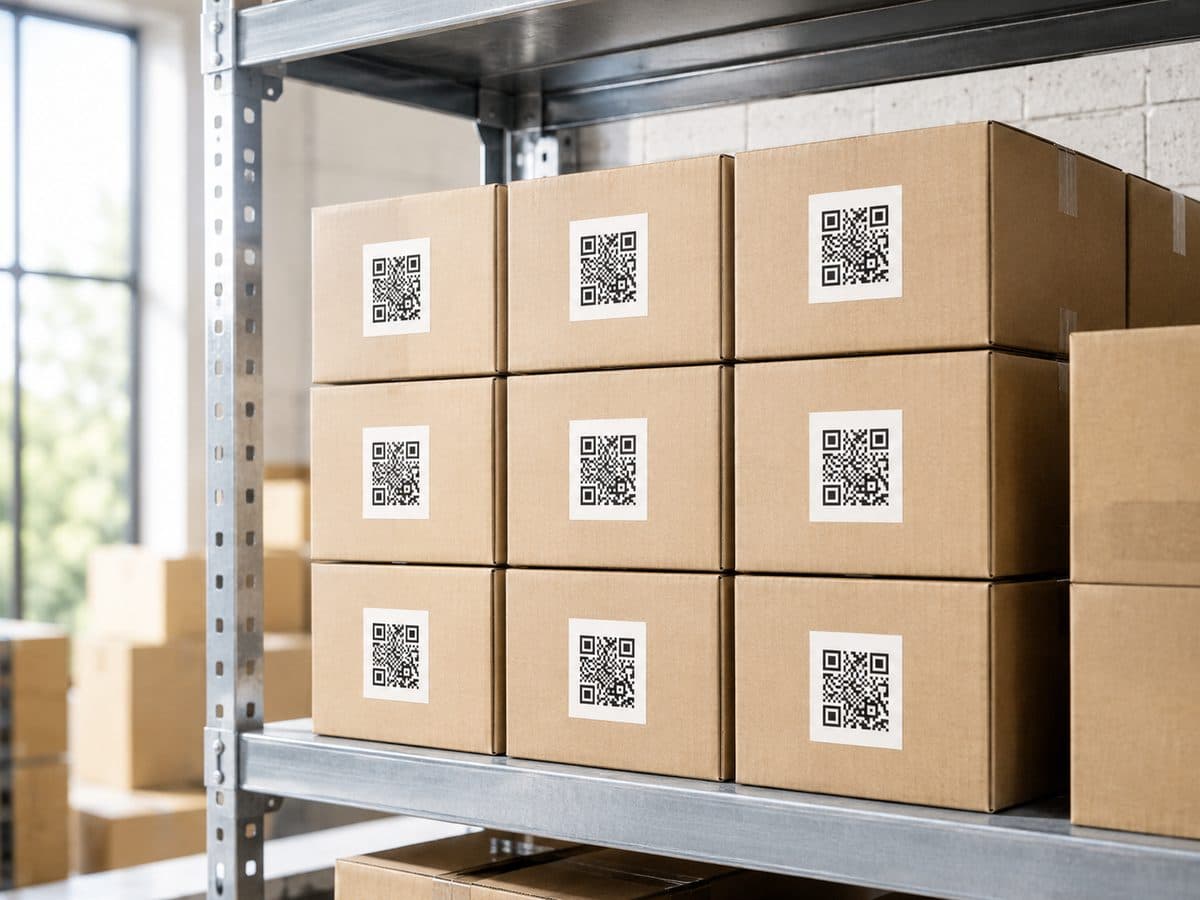
Track a carton without opening it
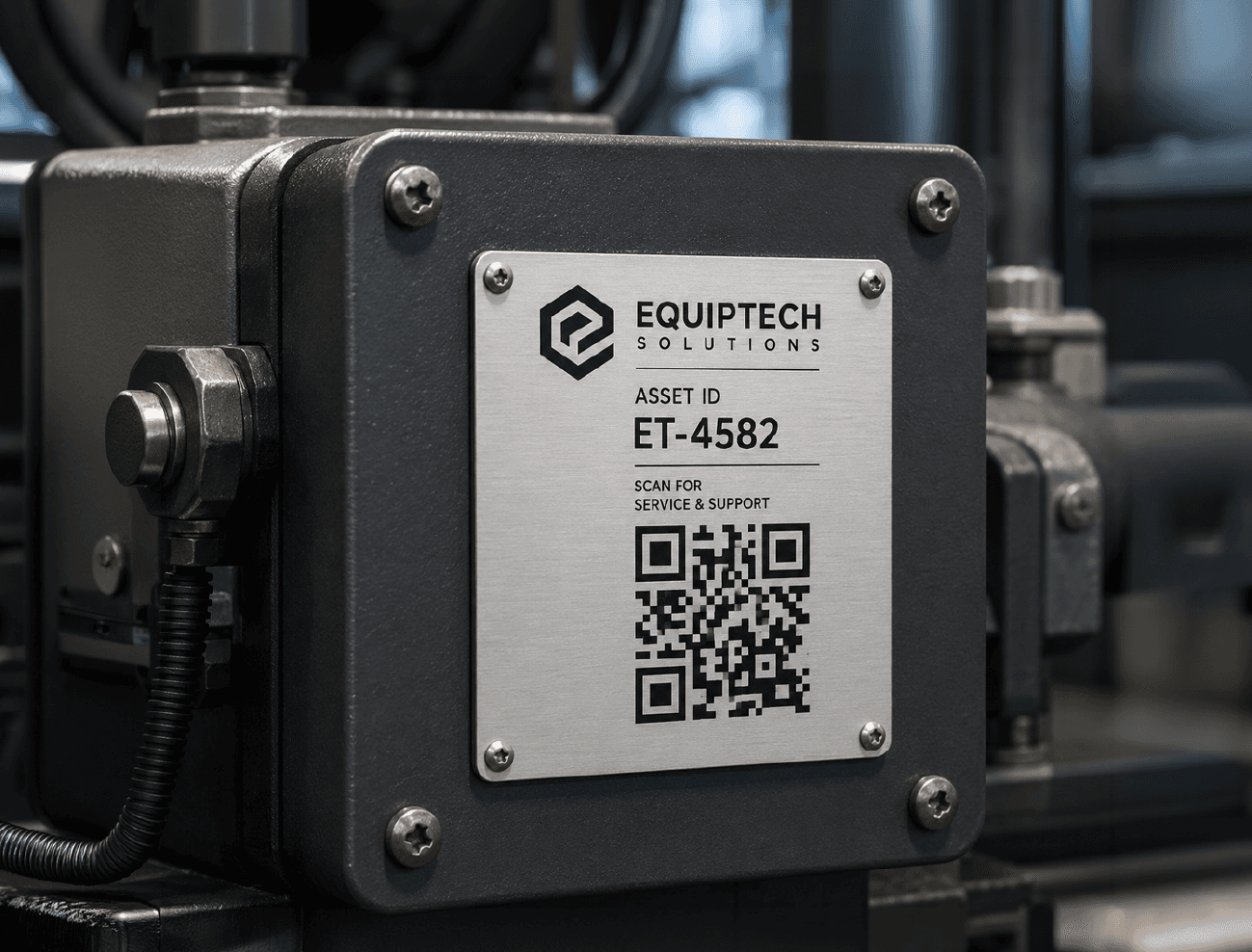
Every machine keeps its manual
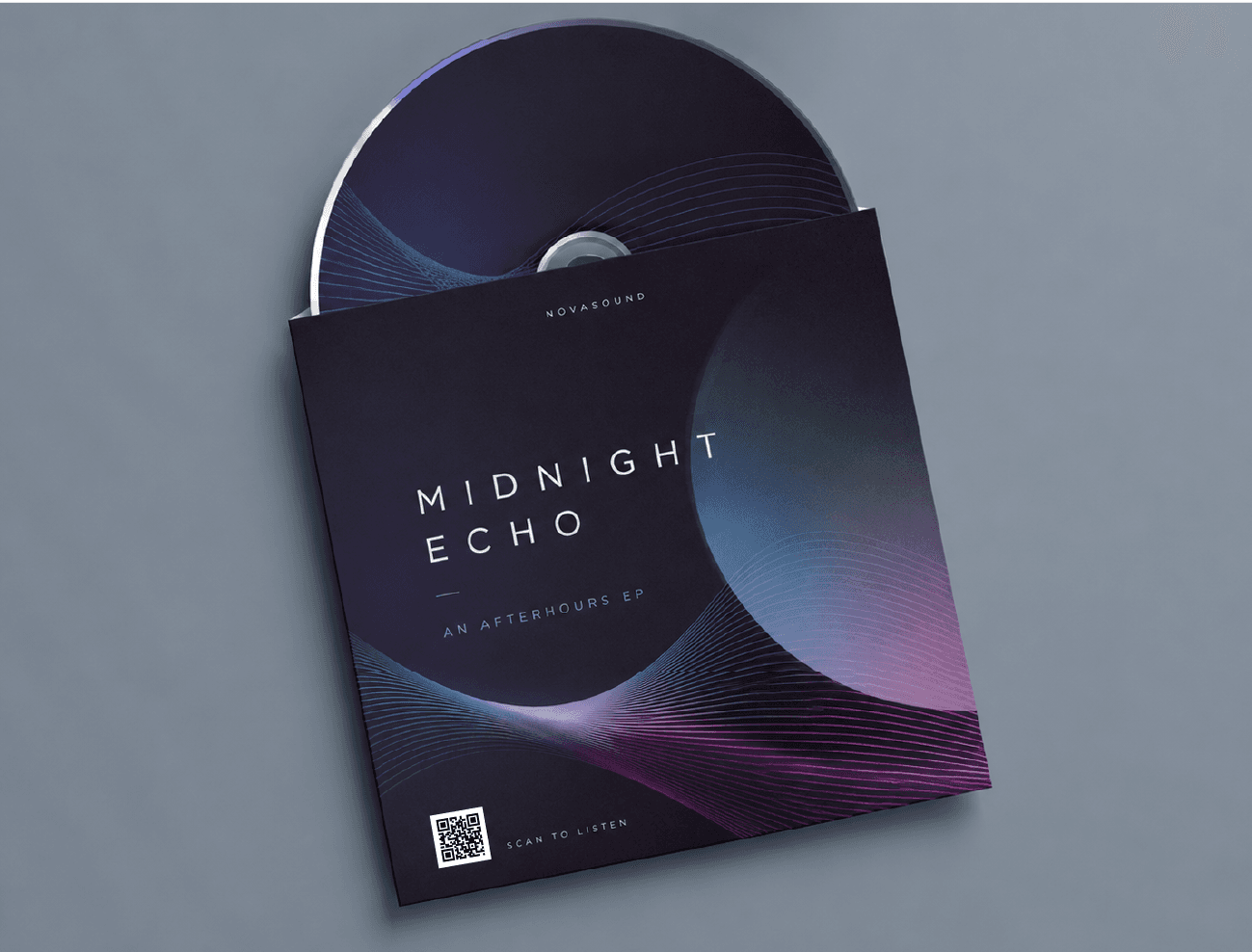
Print the sleeve, stream the record
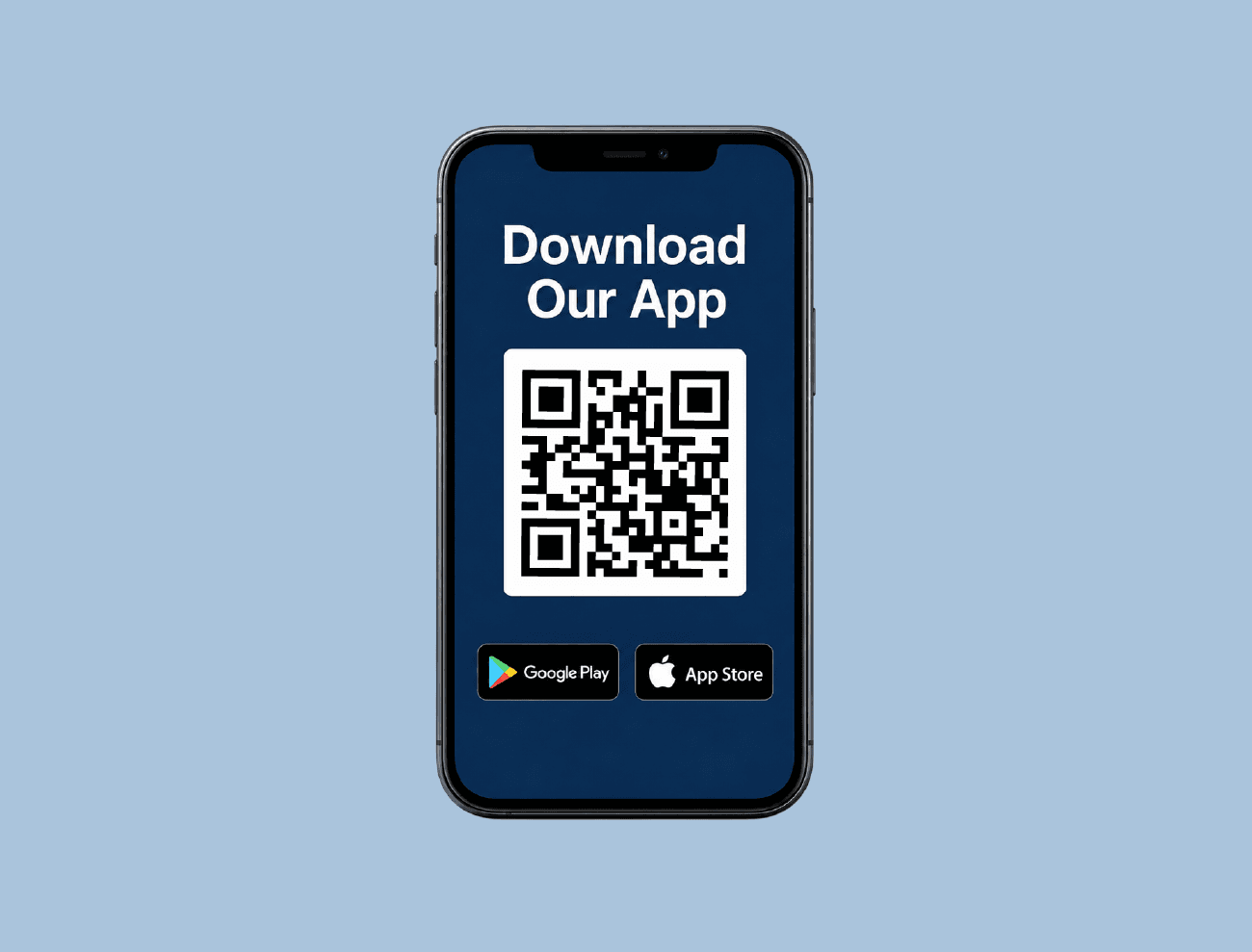
One code, both app stores

Make the whole wall clickable
A code isn't done when it looks good on screen. It's done when it scans off a menu, a poster, a sticker, a phone. These are ours in the wild.